Nyze for Mac · v2.19
Download Nyze.
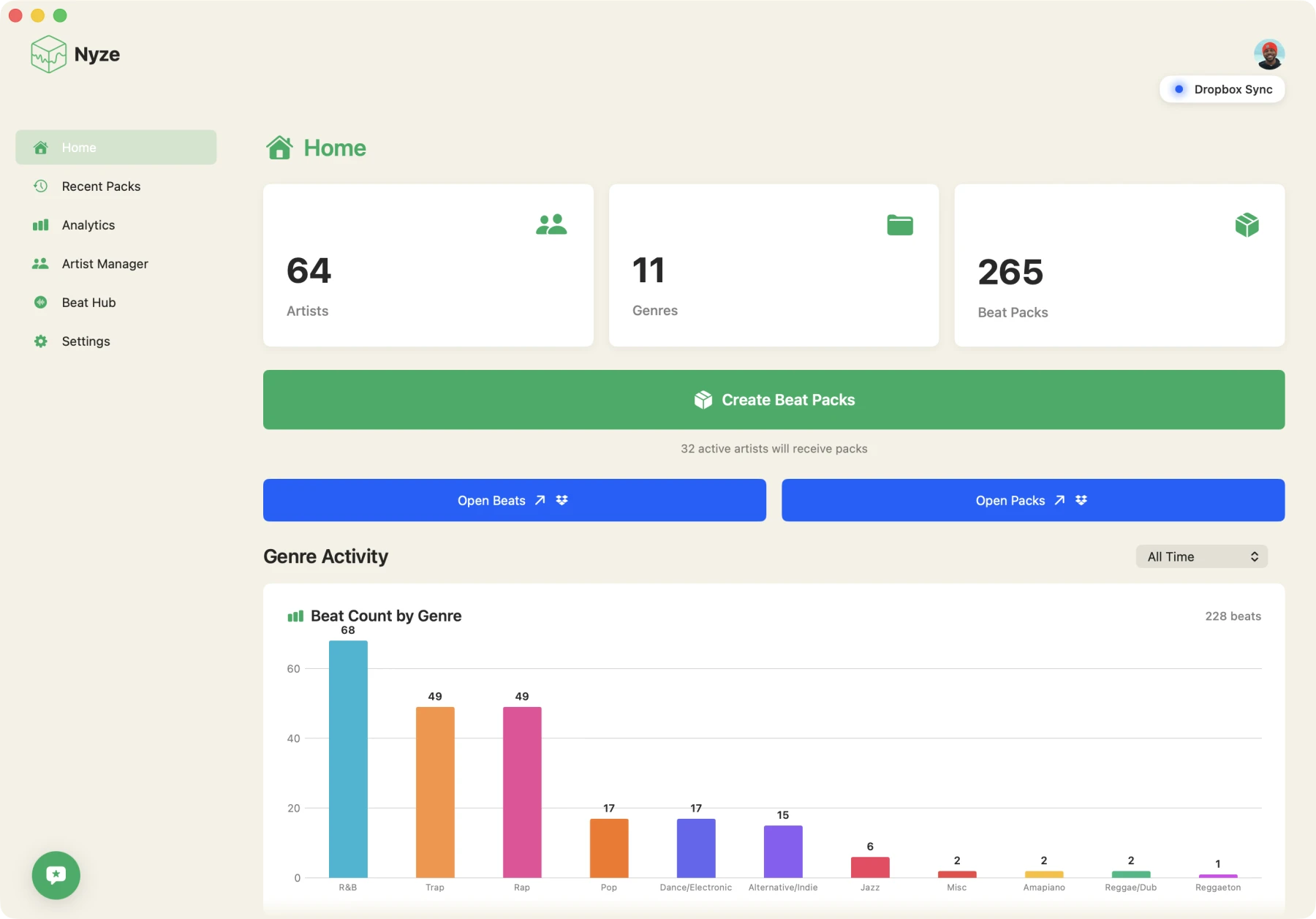
The Mac app that turns your beat folder into a catalog, builds a pack for each artist, and sends it as a link. No sign in needed to download.
macOS 13.5+ · Apple Silicon and Intel · 26 MB
Nyze · v2.19
What you get
- The full app. Catalog, artist roster, pack builder, pack links and play tracking.
- Automatic updates. Nyze checks for new versions and can install them for you.
- Your files stay put. Nyze reads the Dropbox folder you point it at and never moves or renames the originals.
- Free during the beta. Nobody is charged today. Paid plans come later, with at least 30 days notice. See planned pricing.
System requirements
- macOS
- 13.5 or later
- Chip
- Apple Silicon or Intel
- Storage
- A Dropbox account (the folder your beats live in)
- Account
- A Nyze account to use the app. Not needed to download.
- Download
- About 26 MB
Install
01 · Open
Open the disk image.
Find the Nyze .dmg in your Downloads folder and double click it.
02 · Drag
Drag Nyze into Applications.
The window shows the Nyze icon next to your Applications folder. Drag one onto the other.
03 · Launch
Launch and sign in.
Open Nyze from Applications, sign in, connect Dropbox and pick the folder your beats live in. Nyze is notarized by Apple, so macOS asks once whether to open it and then it just runs.