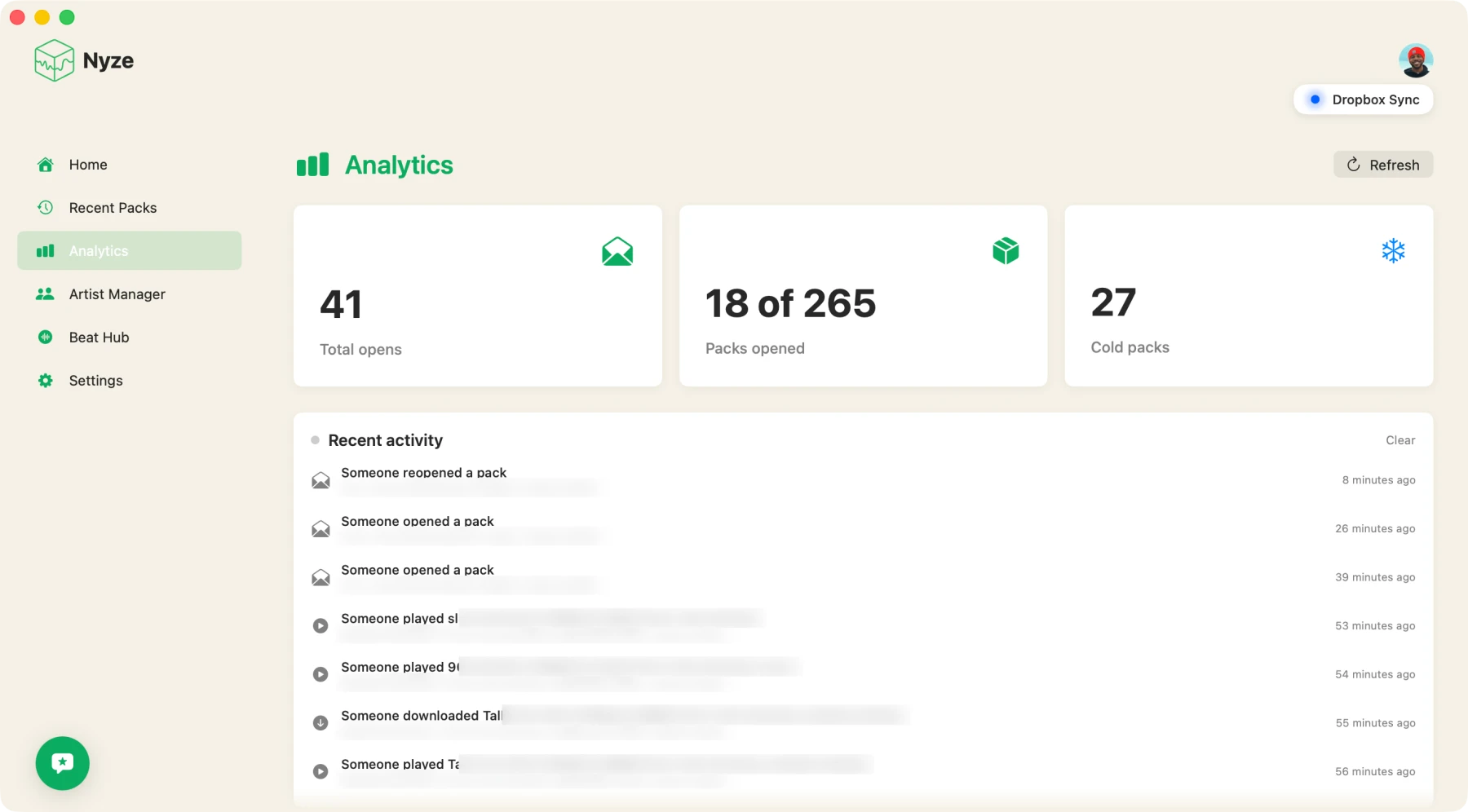
Folder in. Packs out.
Five steps between the folder where your beats pile up and a link in your artist's messages. Here is the whole loop.
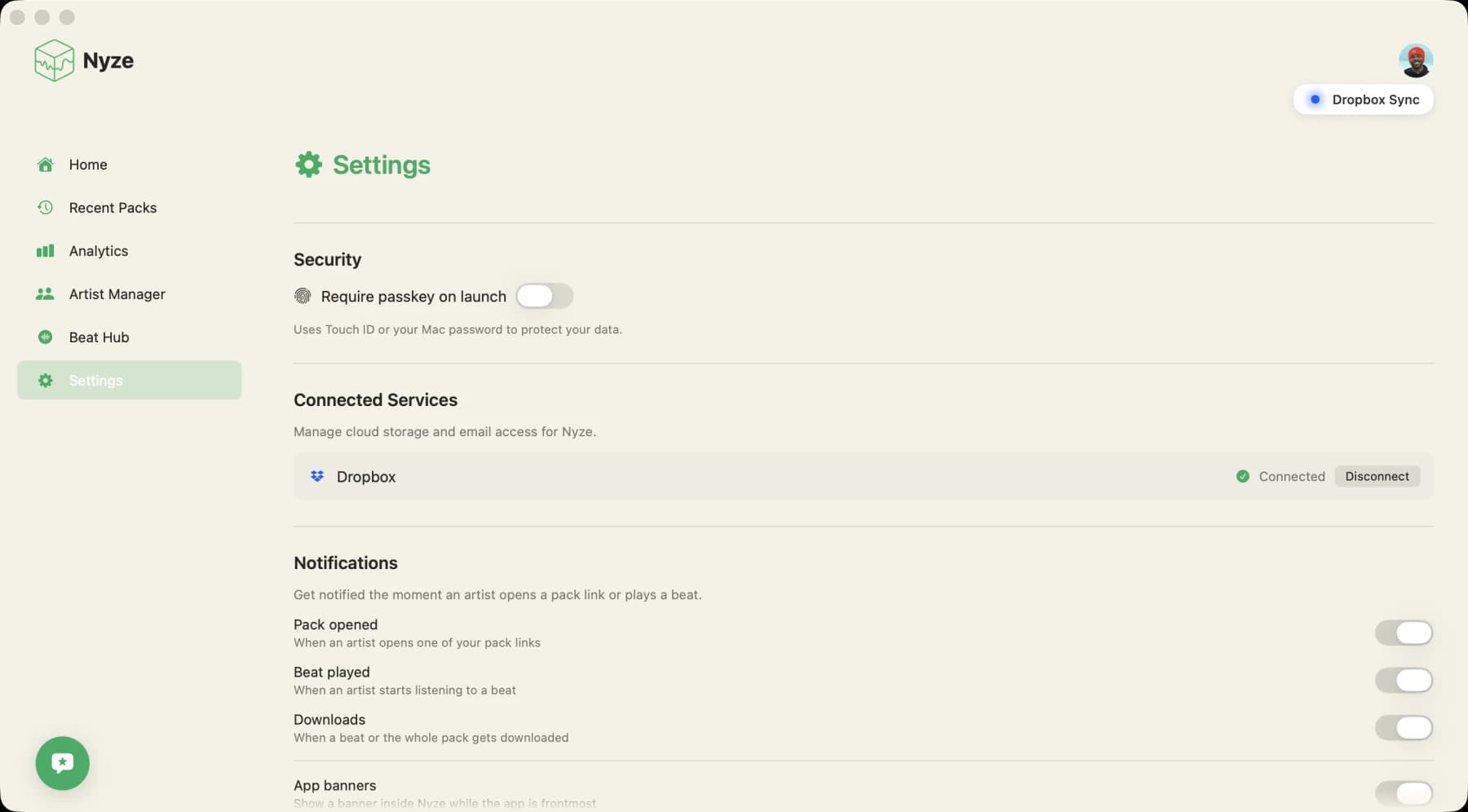
Connect your storage.
Sign in, connect Dropbox, and point Nyze at the folder where your beats already live. Nothing moves and nothing gets renamed on your drive. More providers are on the way.
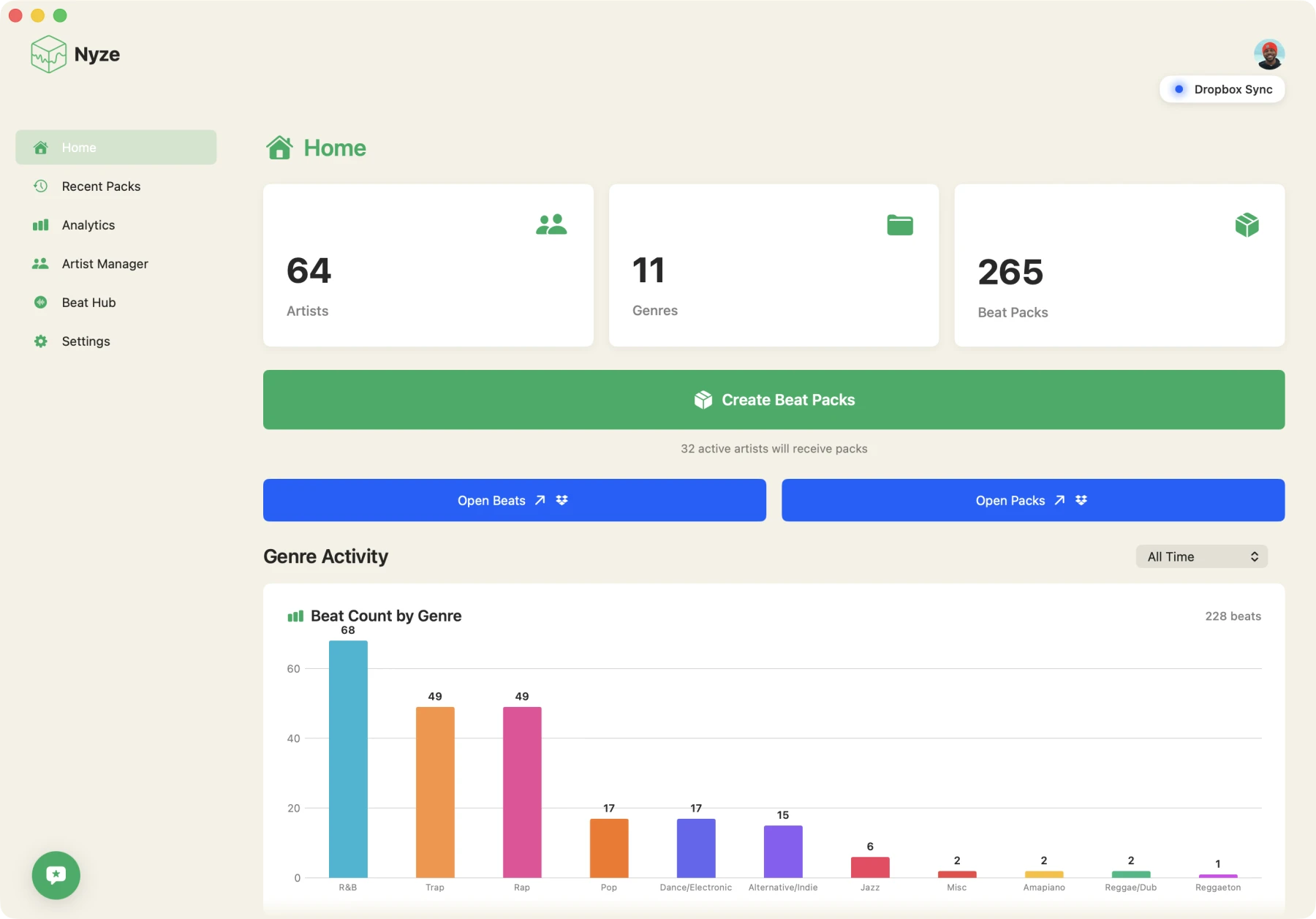
Nyze reads every file.
Bpm and genre get tagged automatically, titles get cleaned into the Nyze format, and the whole library turns into something you can actually search.
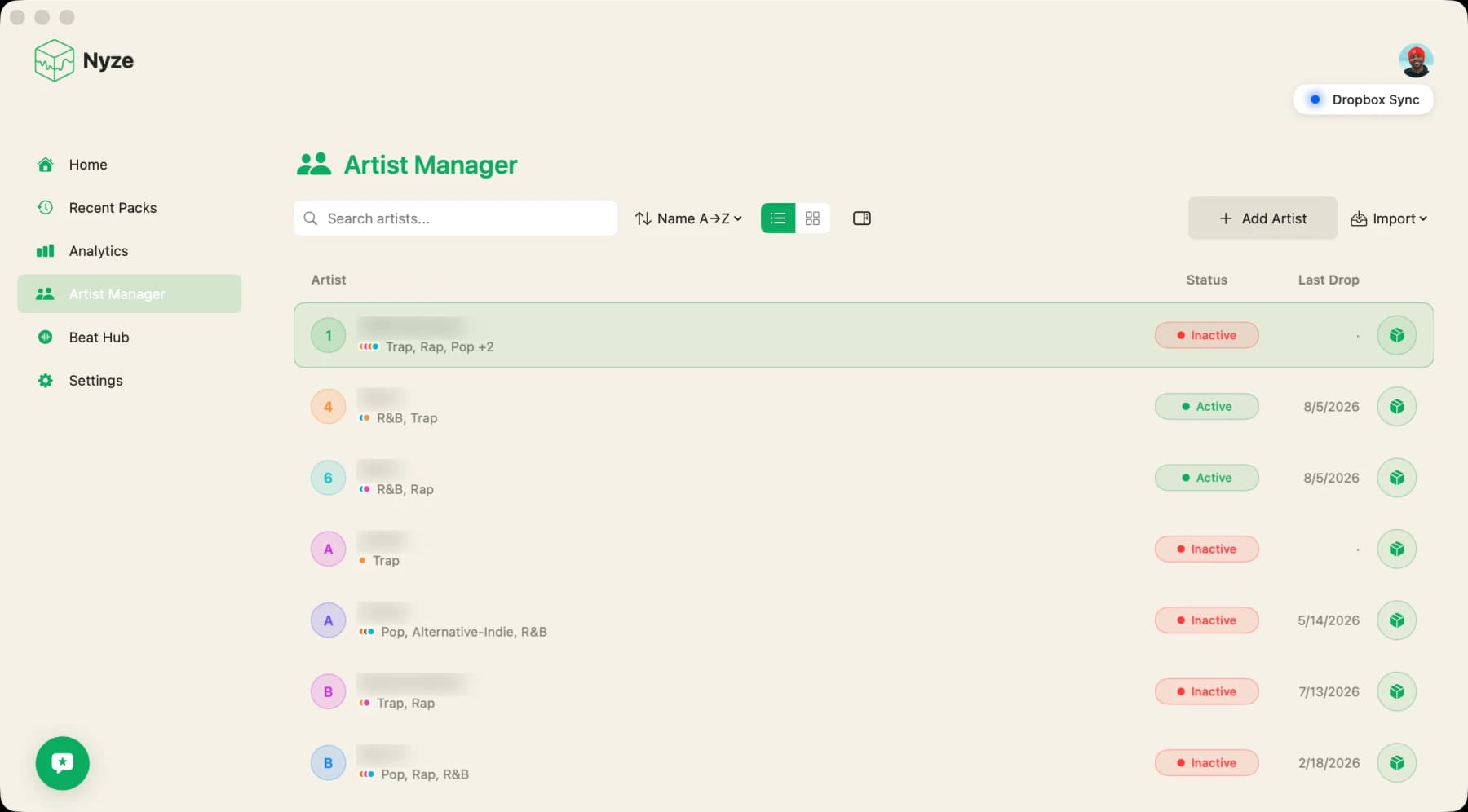
Add your artists.
Each artist gets a genre profile, and that profile is what drives matching. Jayden never gets soul cuts he was never going to use.
Build packs, send links.
Pick the size and who it targets. Nyze fills the pack with fresh beats only, then gives you one clean link to send. Downloads stay off until you allow them.
See what your artist opens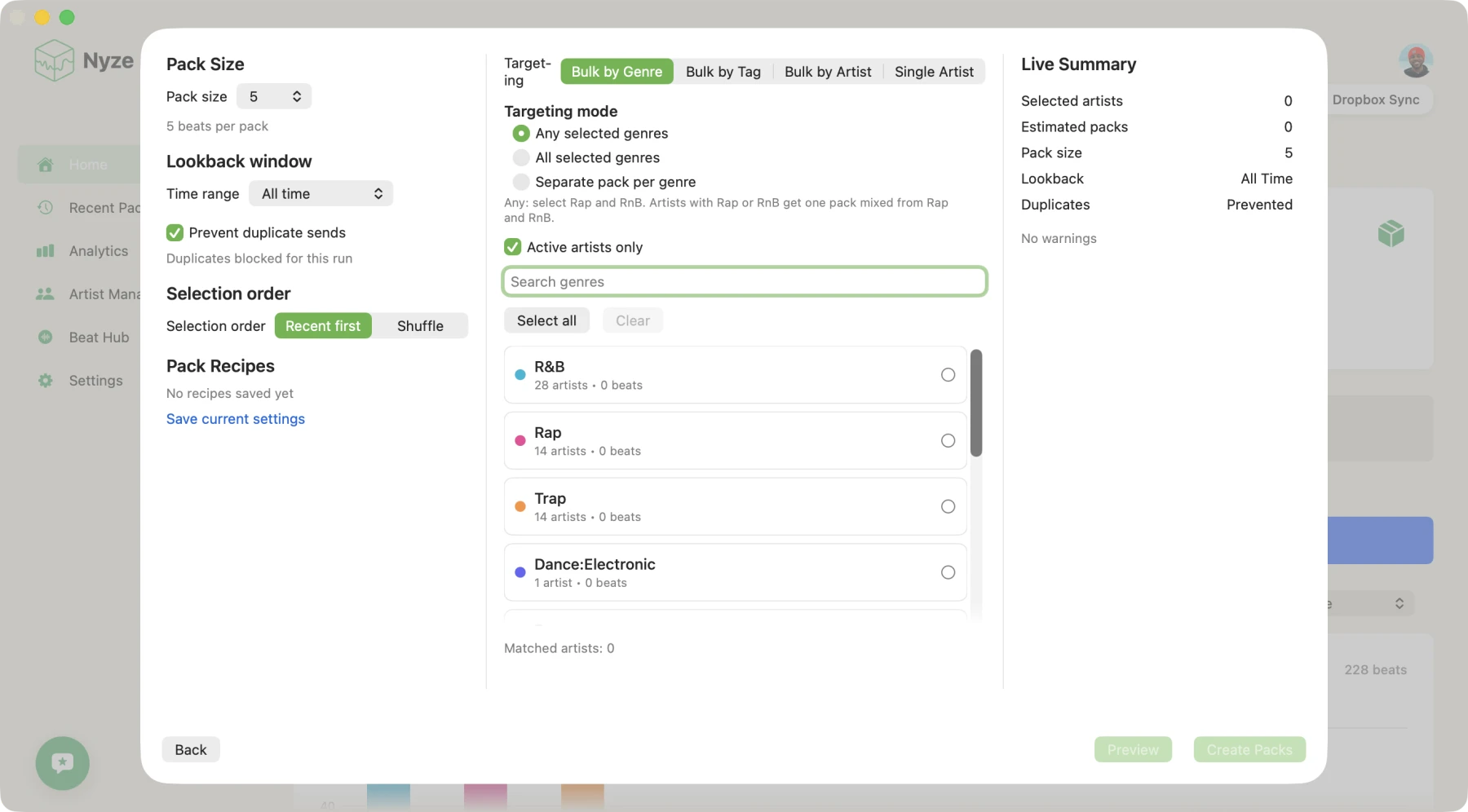
See what lands.
Plays, replays, downloads and how far into each beat they got, per beat and per artist.